Loading…
Get your print files right the first time. Download free templates, learn our specifications, and ensure your labels look perfect.
Resolution
300 DPI minimum
Colour Mode
CMYK
Bleed
3mm all sides
Formats
PDF, AI, EPS
We accept a range of file formats, but vector PDFs and Illustrator files give the best results. Raster images must be high resolution to avoid pixelation.
Preferred format. Embed all fonts and images. Use high-quality output settings.
Adobe Illustrator native file. Convert all text to outlines before saving.
Encapsulated PostScript. Ensure all fonts are outlined or embedded.
Accepted but not ideal. Must be 300 DPI at final print size. No compression artifacts.
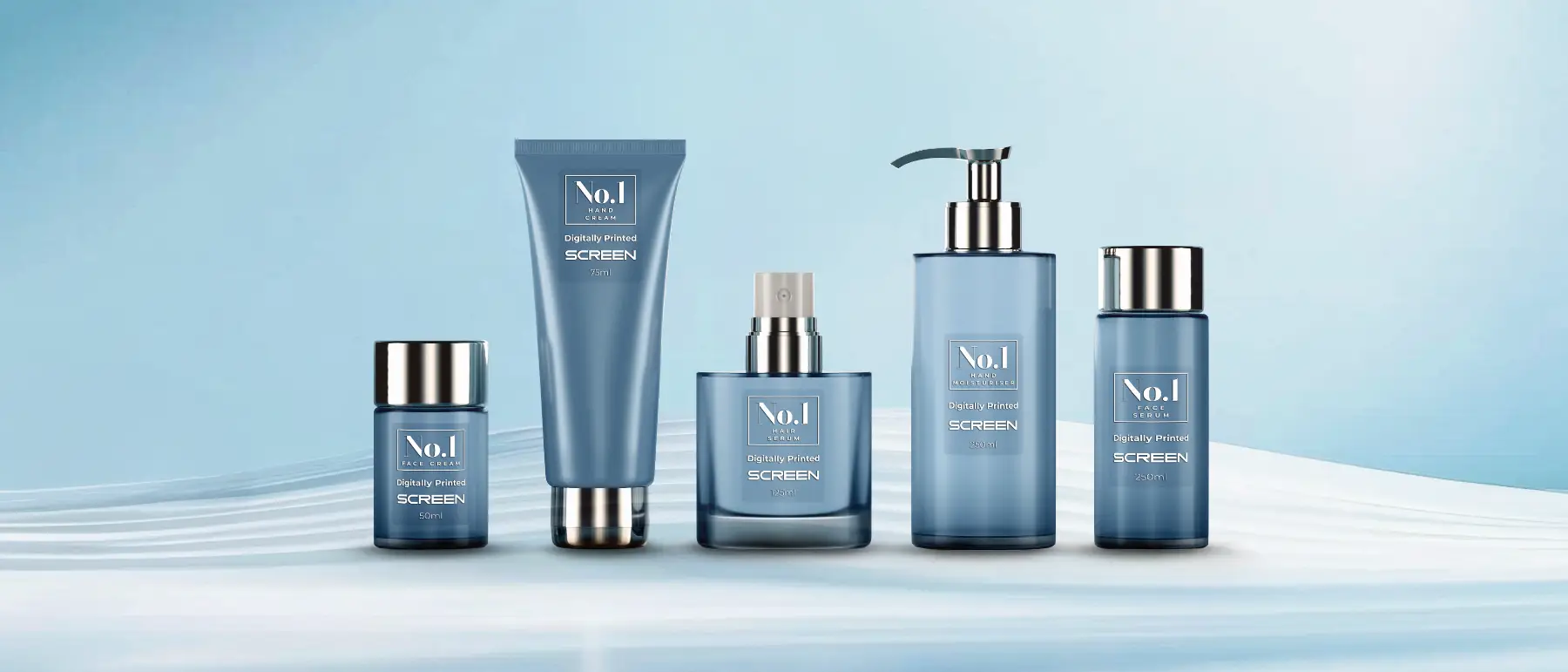
Download our free templates to ensure your artwork is sized correctly with proper bleed and safe zones.
Bleed is the extra area around your design that gets trimmed off. We require 3mm bleed on all sides. This means if your label is 50 x 50mm, your artwork should be 56 x 56mm. The safe zone is 2mm inside the trim line; keep all critical text and logos within this area.
All artwork must be supplied in CMYK colour mode. RGB files will be converted, which can shift colours. If you need exact colour matching, mention Pantone references in your order notes and we will match as closely as our digital process allows.
All raster images must be 300 DPI at final print size. Images pulled from websites are typically 72 DPI and will print blurry. Logos should ideally be vector format (AI, EPS, PDF) so they remain crisp at any size.
Run through this list before uploading your artwork to avoid delays.
Our design team can prepare, optimise, or fix your files. Every order includes a free digital proof.